
Dead pixels map#
Dead pixel map can be applied by default using ApplyDeadPixelsMap, as
<channel> channel
    <detector>
        <dead_pixels> True </dead_pixels>
        <dp_map_task> ApplyDeadPixelsMap </dp_map_task>
        <dp_map> __ConfigPath__/data/payload/dead_pixel_map.csv </dp_map>
    <detector>
</channel>
As shown, the input is a .csv file. The file contains two columns with the spectral and spatial coordinates of the dead pixels: spectral_coords and spatial_coords.
Alternatively, the dead pixel map can be provided as a numpy array (see numpy documentation),
and parsed with the ApplyDeadPixelMapNumpy task:
<channel> channel
    <detector>
        <dead_pixels> True </dead_pixels>
        <dp_map_task> AddReadNoiseMapNumpy </dp_map_task>
        <dp_map_filename> dead_pixel_map.npy </dp_map_filename>
    <detector>
</channel>
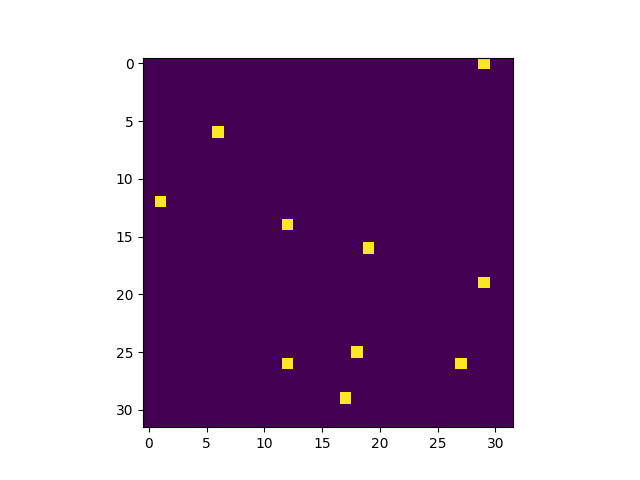
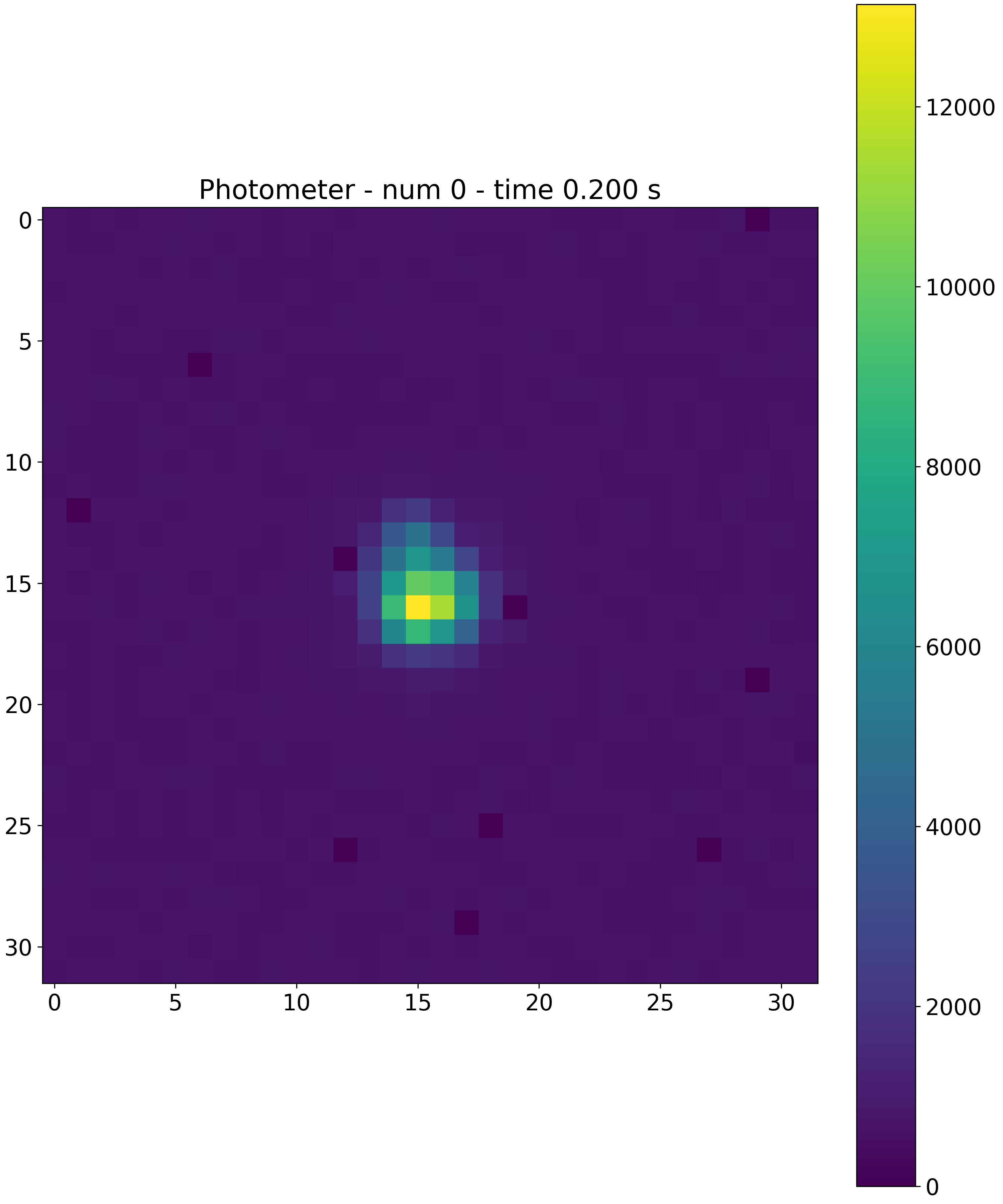
Applying these maps to the focal plane will result in
Note
Other custom realizations of this Task can be developed by the user (see Custom Tasks).
Note
If a dead pixel map is not available, ExoSim includes a dedicated tool to simulate one: Dead pixels map.