
Dead pixels map#
The DeadPixelsMap tool creates dead-pixel
maps for use in ExoSim. Give it the number of dead pixels in the channel and it
scatters them at random over the focal plane.
Set the number in the tool input parameters:
<channel> channel_name
    <detector>
        <dp_mean> 10 </dp_mean>
    </detector>
</channel>
Then run the tool:
import exosim.tools as tools

tools.DeadPixelsMap(options_file='tools_input_example.xml',
                    output='data/payload')
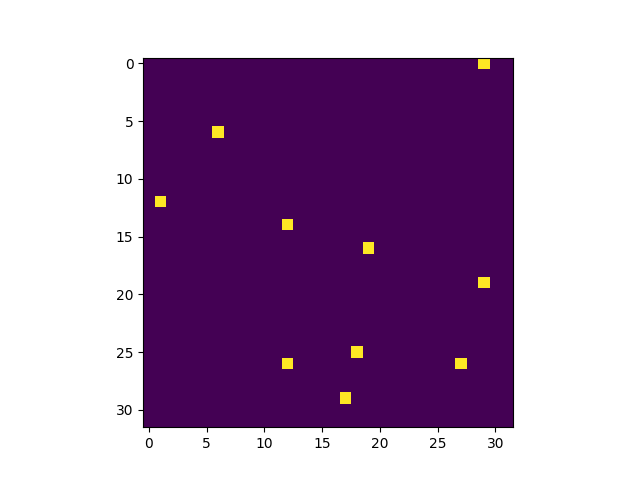
It writes one .csv file per channel with the coordinates of the dead pixels.
The result looks like this:
If the exact number of dead pixels is not known, add its uncertainty:
<channel> channel_name
    <detector>
        <dp_mean> 10 </dp_mean>
        <dp_sigma> 1 </dp_sigma>
    </detector>
</channel>
The tool then draws the number of dead pixels from a normal distribution centred
on dp_mean with standard deviation dp_sigma.
The .csv files can be passed to
ApplyDeadPixelsMap, described in
Dead pixels map.